
25+ Best WooCommerce Plugins in 2026 – Complete Guide by ultraDevs
WooCommerce is one of the most powerful eCommerce platforms for WordPress, powering millions of online stores worldwide. However, to truly unlock its full potential, you need the right set of plugins. By default, WooCommerce provides essential eCommerce functionality, but modern online stores require much more — including advanced marketing tools, conversion optimization, SEO enhancements, and performance improvements.
At ultraDevs, we work with WooCommerce websites regularly and understand which plugins actually make a difference in real-world performance, sales, and user experience.
In this comprehensive guide, we will explore the 25+ best WooCommerce plugins in 2026, including their key features, pros, cons, and best use cases, so you can choose the right tools for your online store.
Why WooCommerce Plugins Matter
WooCommerce is powerful on its own, but plugins extend its functionality and help you build a complete eCommerce ecosystem.
With the right plugins, you can:
- Increase conversion rates
- Improve checkout experience
- Optimize your store for SEO
- Automate email marketing
- Enhance website speed and performance
- Provide better customer support
However, one important thing to remember is that installing too many plugins can slow down your website. That’s why at ultraDevs, we always recommend using only essential and high-quality plugins.
Top WooCommerce Plugins
1. Easy Integration For Dropbox – File Manager

Connect your WordPress site with Dropbox to upload, browse, preview, and share files directly from your website.
Key Features
- Browse Dropbox files & folders
- Frontend file uploads
- File preview & downloads
- Gallery & slider layouts
- Shortcode Builder
- Gutenberg & Elementor support
- Contact Form 7 & WPForms integration
- WooCommerce support (Pro)
Pros
- Easy to set up
- Saves server storage
- Beginner-friendly
- Secure file sharing
- Works with popular WordPress plugins
Best for: Business websites, client portals, document libraries, digital downloads, membership sites, and WooCommerce stores selling downloadable products.
2. CartFlows

CartFlows is one of the best WooCommerce plugins for building high-converting sales funnels.
Key Features
- Drag-and-drop funnel builder
- One-click upsells & downsells
- Custom checkout pages
- A/B testing
Pros
- Significantly increases conversions
- Easy-to-use interface
- Works with popular page builders
Cons
- Premium pricing
- Advanced features require Pro
Best for: Sales funnels & conversion optimization
3. Rank Math SEO

Rank Math is a powerful SEO plugin that helps optimize your WooCommerce store for search engines.
Key Features
- WooCommerce SEO optimization
- Built-in schema markup
- Keyword tracking
- Google Search Console integration
Pros
- Powerful free version
- Lightweight and fast
- Beginner-friendly UI
Cons
- Initial setup can be slightly complex
Best for: SEO optimization
4. WP Rocket

WP Rocket is one of the best caching plugins for improving website speed.
Key Features
- Page caching
- Lazy loading
- Database optimization
- CDN integration
Pros
- Instant performance boost
- Easy setup
- Improves Core Web Vitals
Cons
- No free version
Best for: Speed optimization
5. FedEx Shipping Plugin for WooCommerce with Print Label
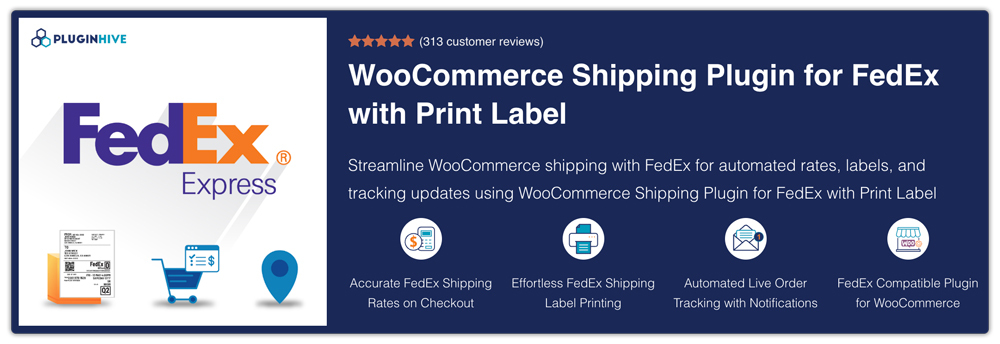
Automate FedEx shipping in WooCommerce with live rates, shipping labels, and real-time order tracking from a single dashboard.
Key Features
- Live FedEx shipping rates
- One-click shipping label printing
- Automated order tracking
- Domestic & international shipping support
Pros
- FedEx Certified solution
- 30-day money-back guarantee
- Supports bulk label generation and return labels
Cons
- No free version available
Best for: WooCommerce stores that want to automate FedEx shipping, label printing, and shipment tracking.
6. WooCommerce Subscriptions

This plugin allows you to sell subscription-based products and generate recurring revenue.
Key Features
- Recurring billing
- Subscription management
- Free trials and signup fees
Pros
- Perfect for SaaS and membership sites
- Reliable and scalable
Cons
- Paid plugin
- Requires proper configuration
Best for: Subscription-based businesses
7. FunnelKit (WooFunnels)
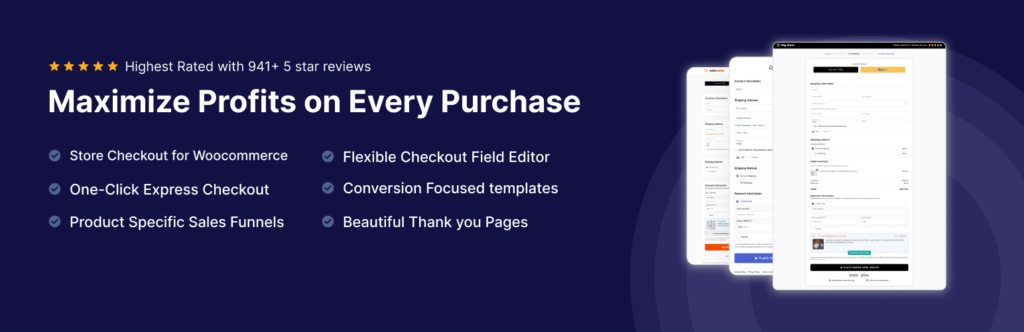
FunnelKit helps you create optimized checkout pages and sales funnels.
Key Features
- Sales funnels
- Order bumps
- Smart checkout
Pros
- Increases average order value
- Powerful marketing features
Cons
- Premium plugin
Best for: Checkout optimization
8. WooCommerce Stripe Payment Gateway

Key Features
- Secure payment processing
- Multi-currency support
- Fast checkout
Pros
- Trusted payment gateway
- Easy integration
Cons
- Transaction fees apply
Best for: Payments
9. WooCommerce PayPal Payments

Key Features
- PayPal integration
- Express checkout
- Multi-currency
Pros
- Globally trusted
- Simple setup
Cons
- PayPal fees
Best for: International payments
10. Advanced Coupons

Key Features
- BOGO deals
- Scheduled coupons
- Smart discounts
Pros
- Boosts conversions
- Flexible coupon system
Cons
- Advanced features paid
Best for: Promotions
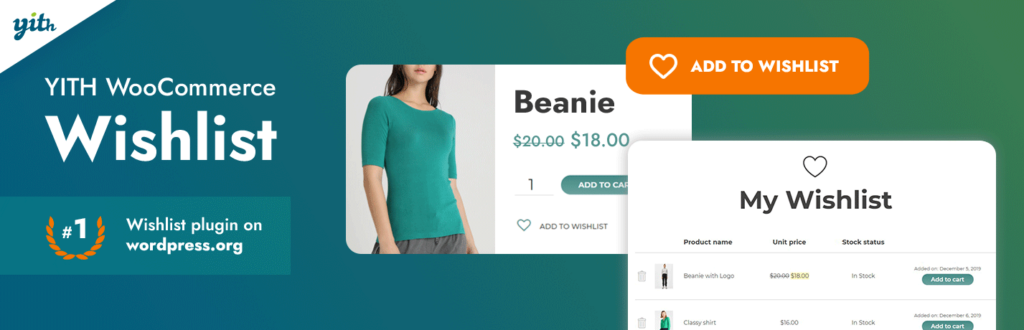
11. YITH WooCommerce Wishlist
Key Features
- Wishlist creation
- Share functionality
- Email reminders
Pros
- Improves engagement
- Increases return visits
Cons
- Limited free version
Best for: User experience
12. WooCommerce Product Add-Ons

Key Features
- Custom fields
- Add-on pricing
- Conditional logic
Pros
- Highly flexible
- Great for customization
Cons
- Premium plugin
Best for: Custom products
13. Yoast SEO

Key Features
- SEO optimization
- Readability analysis
- XML sitemap
Pros
- Beginner friendly
- Strong SEO features
Cons
- Heavy plugin
- Limited free features
Best for: Content SEO & beginners
14. LiteSpeed Cache

Key Features
- Server-level caching
- Image optimization
- CDN support
Pros
- Very fast
- Free
Cons
- Requires a LiteSpeed server
Best for: Speed optimization
15. WooCommerce Multilingual

Key Features
- Multi-language support
- Currency switching
- Translation tools
Pros
- Expand global reach
Cons
- Setup complex
Best for: International stores
16. Mailchimp for WooCommerce

Key Features
- Email automation
- Audience sync
- Campaign tracking
Pros
- Strong marketing tool
Cons
- Limited free plan
Best for: Email marketing
17. HubSpot for WooCommerce
Key Features
- CRM integration
- Email marketing
- Automation
Pros
- All-in-one platform
Cons
- Heavy plugin
Best for: CRM & automation
18. Checkout Field Editor

Key Features
- Add/remove fields
- Conditional logic
- Custom labels
Pros
- Full control over checkout
Cons
- Limited free version
Best for: Checkout customization
19. TrustPulse

Key Features
- Social proof notifications
- Real-time activity
- FOMO alerts
Pros
- Boosts conversions
Cons
- Paid
Best for: Conversion optimization
20. MonsterInsights

Key Features
- Google Analytics integration
- eCommerce tracking
- Reports dashboard
Pros
- Easy analytics
Cons
- Premium features costly
Best for: Analytics tracking
21. Dokan Multivendor

Key Features
- Vendor dashboard
- Commission system
- Store management
Pros
- Powerful marketplace features
Cons
- Expensive
Best for: Multi-vendor marketplace
22. WC Vendors
Key Features
- Multi-vendor system
- Vendor management
- Commission control
Pros
- Flexible
Cons
- Setup complex
Best for: Marketplace setup
23. WooCommerce Bookings
Key Features
- Appointment booking
- Time slots
- Calendar system
Pros
- Ideal for service businesses
Cons
- Paid plugin
Best for: Booking & appointments
24. Variation Swatches

Key Features
- Color/image swatches
- Better UI
- Attribute display
Pros
- Improves UX
Cons
- Limited free
Best for: Product UI improvement
25. Product Feed Pro

Key Features
- Google Shopping feed
- Product export
- Feed automation
Pros
- Boosts marketing
Cons
- Requires setup
Best for: Google Shopping & ads
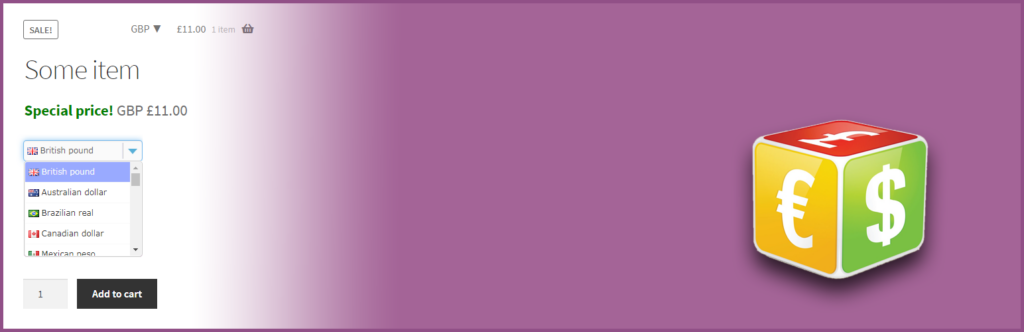
26. Currency Switcher
Key Features
- Multi-currency
- Auto exchange rates
- Geo-location
Pros
- International support
Cons
- Accuracy issues
Best for: Global customers
27. Tidio Live Chat

Key Features
- Live chat
- Chatbot
- Messenger integration
Pros
- Improves customer support
Cons
- Limited free plan
Best for: Customer support
28. Smush

Key Features
- Image compression
- Lazy loading
- Bulk optimization
Pros
- Improves site speed
Cons
- Free version limited
Best for: Image optimization
29. WooCommerce PDF Invoices
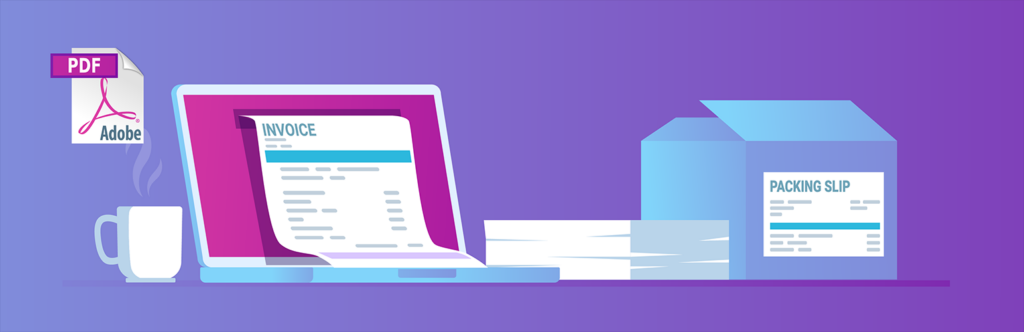
Key Features
- Auto invoice generation
- PDF download
- Email attachment
Pros
- Saves time
Cons
- Basic design
Best for: Order management
30. Bangladeshi Payment Gateways – Make Payment Using QR Code

Key Features
- QR code scan for instant payments
- Supports bKash, Nagad, Rocket, Upay
- Easy WooCommerce integration
- Transaction ID & number tracking
- Custom checkout fields
- Optional charge/fee settings
Pros
- Very popular among Bangladeshi users
- Fast and simple checkout process
- No card or bank account needed
- Increases conversion rate
- Beginner-friendly setup
- Small & medium WooCommerce stores
- Startups & beginners
- Businesses using mobile payments
Cons
- Manual verification required (in most cases)
Best For: Payment
How to Choose the Best WooCommerce Plugins
Choosing the right WooCommerce plugins depends on your business goals.
- For SEO → Rank Math, Yoast
- For Payment → Bangladeshi Payment Gateways
- For speed → WP Rocket, LiteSpeed
- For sales → CartFlows, FunnelKit
- For marketing → Mailchimp, HubSpot
- For UX → Wishlist, Swatches
At ultraDevs, we always recommend selecting plugins based on your needs rather than installing everything.
Frequently Asked Questions (FAQ)
What are the best WooCommerce plugins in 2026?
Some of the best WooCommerce plugins include CartFlows, Rank Math SEO, WP Rocket, FunnelKit, and WooCommerce Subscriptions. These plugins help improve sales, SEO, and performance.
Are WooCommerce plugins free?
Many WooCommerce plugins offer free versions with basic features. However, advanced features and integrations are usually available in premium (paid) plans.
How many WooCommerce plugins should I use?
You should only use necessary plugins. Installing too many plugins can slow down your website and affect performance.
Can I accept payments using WooCommerce plugins?
Yes, you can accept payments using plugins like WooCommerce, Stripe, PayPal Payments, and Bangladeshi QR payment gateways like bKash and Nagad.
Conclusion
WooCommerce plugins play a crucial role in building a successful eCommerce store.
By using the right combination of plugins, you can improve your website performance, increase conversions, and grow your online business effectively.
At ultraDevs, we believe that smart plugin selection is the key to a fast, secure, and high-converting WooCommerce store.
Article by ultraDevs – helping you build powerful WooCommerce stores that convert.
