

Easy Integration for Dropbox for WordPress
Browse, Upload, View, Download & Manage Dropbox Files From Your WordPress Website. This plugin allows you to browse your Dropbox files and upload files to Dropbox from your WordPress website. You can also create a shortcode to show the Dropbox files on your website.

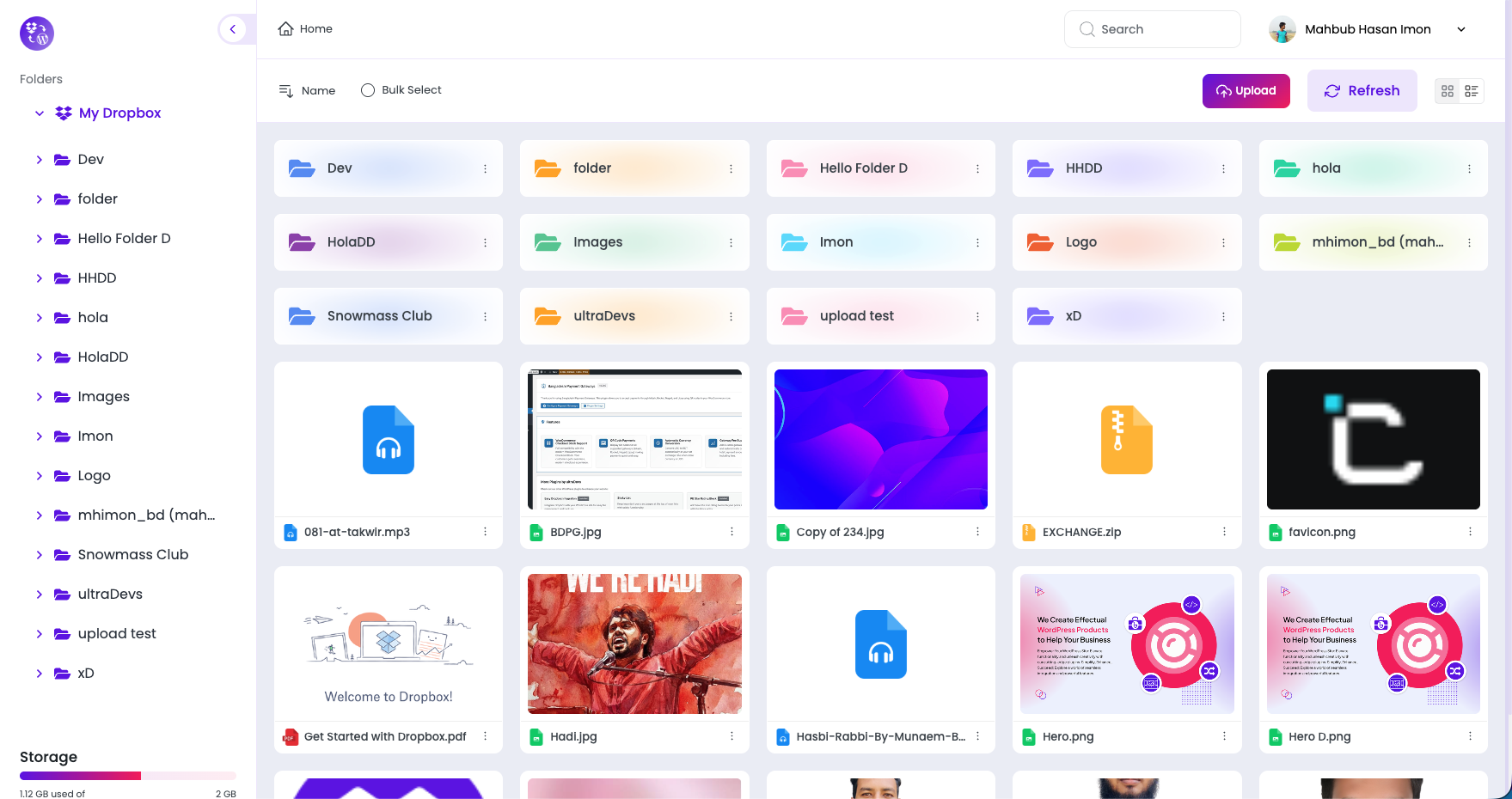
File Browser
Browse and manage your Dropbox files directly from the WordPress dashboard or frontend. Easily navigate folders, preview files, and download content using a clean, user-friendly Dropbox file browser.
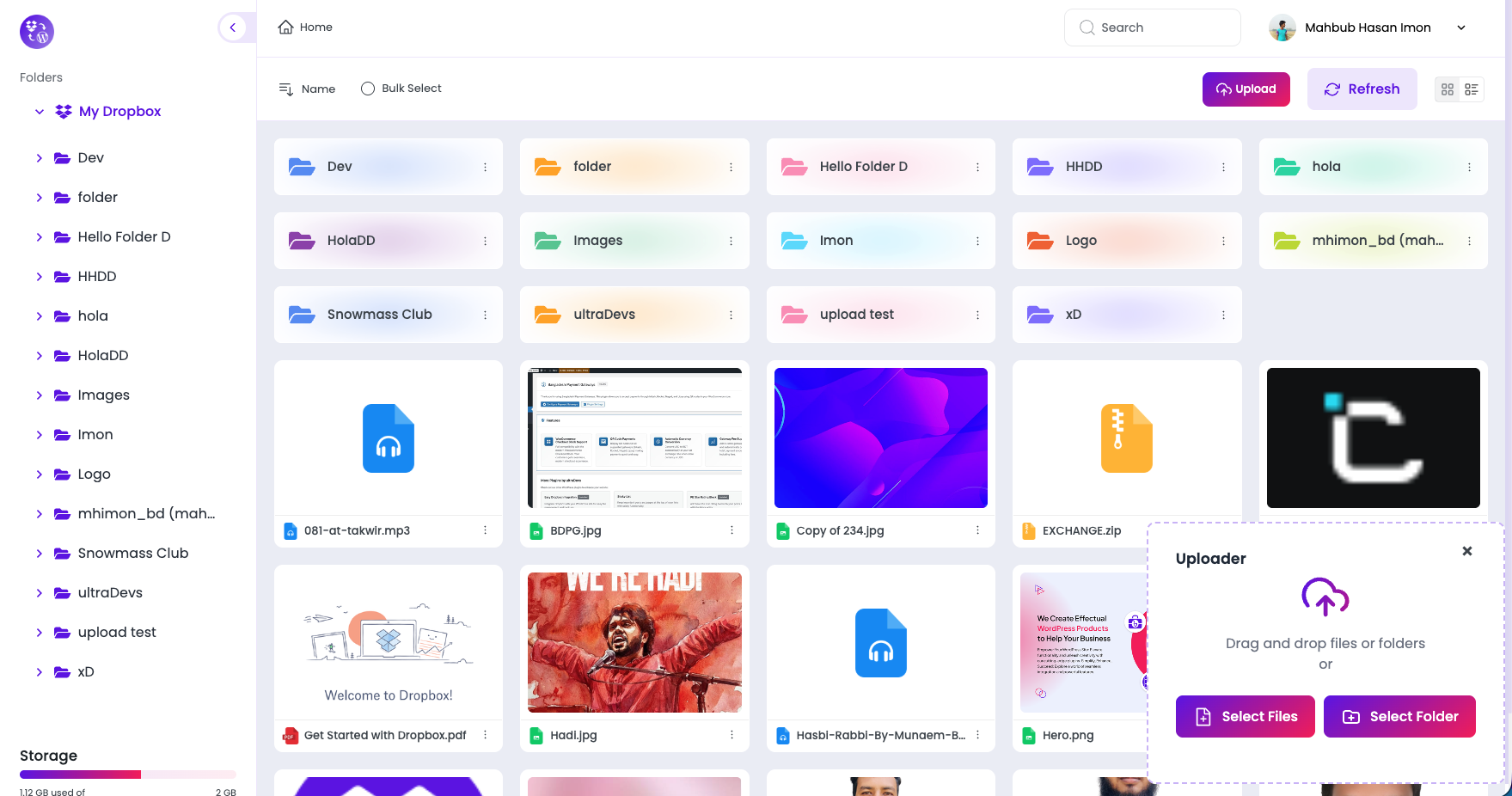
File Uploader
Upload files from your WordPress website straight to your Dropbox account. The drag-and-drop file uploader makes uploading fast, secure, and effortless for both admins and users.
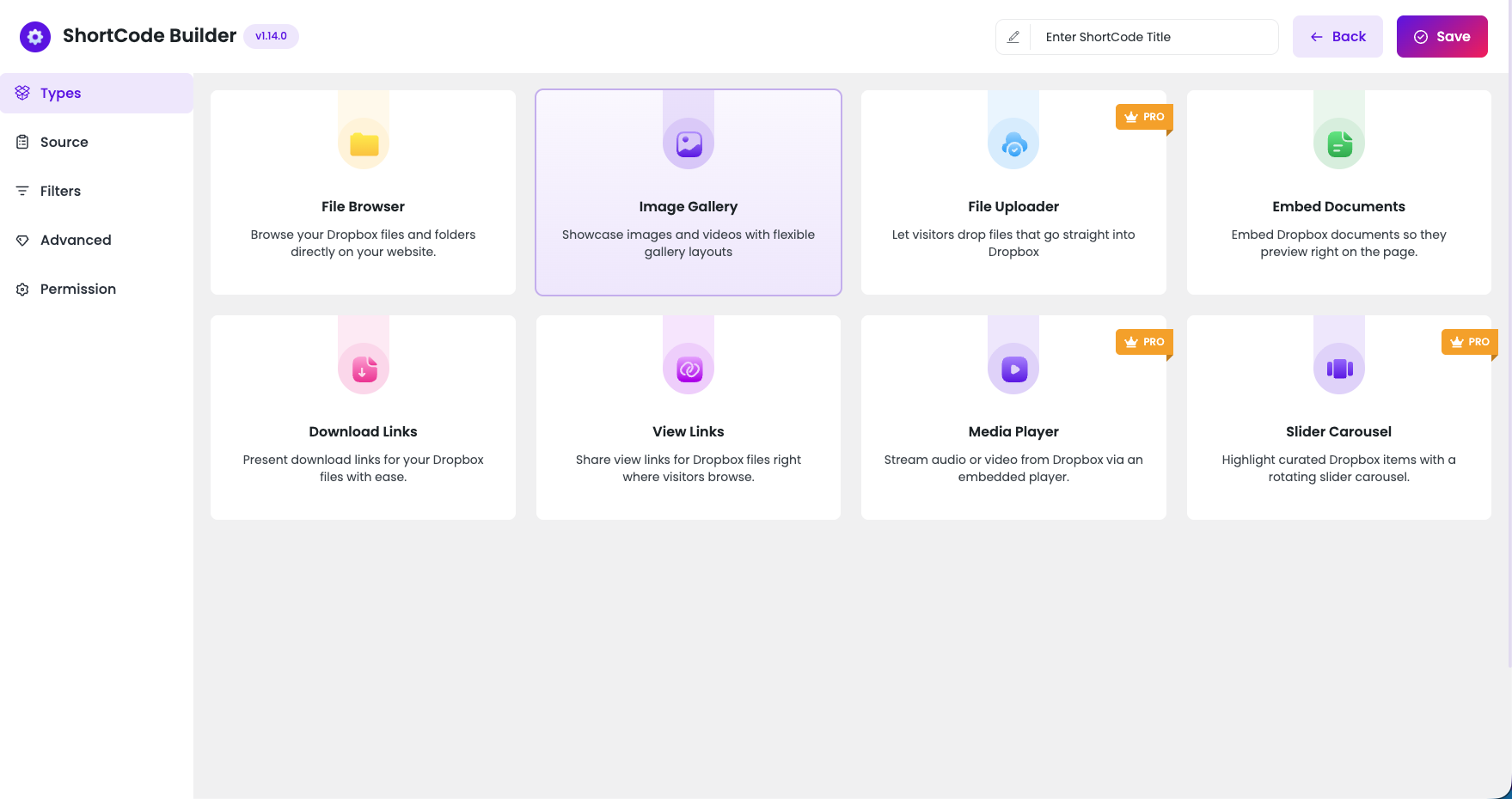
Shortcode Builder
Generate powerful Dropbox shortcodes without coding knowledge. The shortcode builder helps you quickly create and customize file browsers, uploaders, galleries, and media displays for any page or post.

Gallery
Display Dropbox images in a responsive and visually appealing gallery. Use shortcodes to showcase photos directly from Dropbox and create engaging image layouts for your website visitors.
Media Player
Play audio and video files stored in Dropbox directly on your WordPress site. The built-in media player supports common formats and delivers smooth streaming without requiring file downloads.


Slider Carousel
Create dynamic image sliders using images from your Dropbox account. The slider carousel adds motion and interactivity, making it ideal for featured content, portfolios, and image showcases.
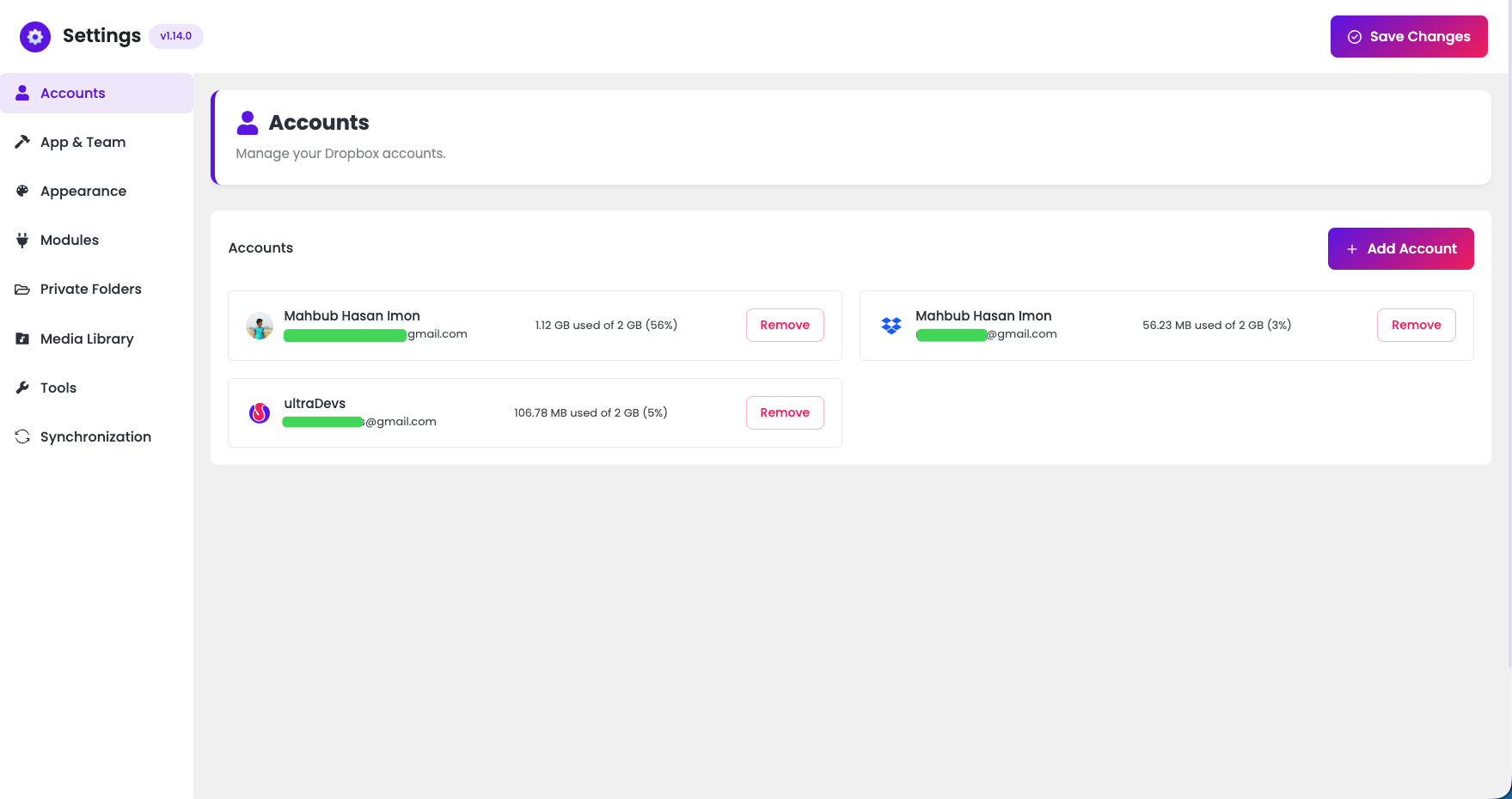
Multiple Accounts
Connect and manage multiple Dropbox accounts within a single WordPress site. Seamlessly switch between accounts to access, upload, and display files from different Dropbox sources.
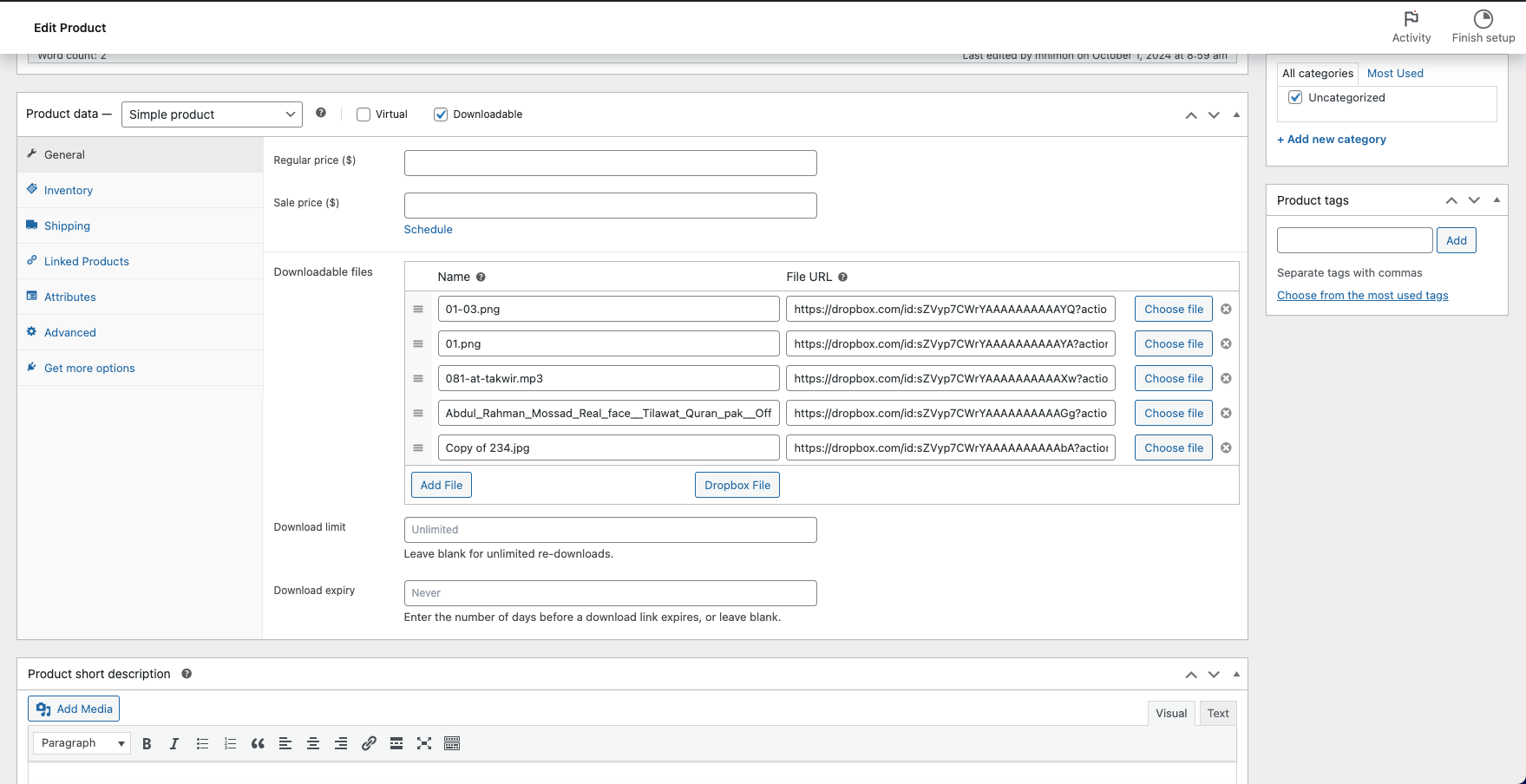
WooCommerce Support
Seamlessly integrate Dropbox with WooCommerce to offer file-based products or manage digital assets for your online store.
More PRO Integrations
PRO keeps growing — sell, teach, and manage Dropbox files across the platforms you already run.
Features
Powerful Features
Explore a robust set of features designed to simplify Dropbox integration within WordPress. Our solution provides seamless file management, enhancing your website’s functionality with ease.
Easy & User Friendly Setup
Seamlessly set up and connect your Dropbox account with WordPress in just a few clicks.
File Browser
Browse your Dropbox files and folders directly on your website.
File Uploader
Let visitors drop files that go straight into Dropbox
Image Gallery
Showcase images and videos with flexible gallery layouts
View Links
Share view links for Dropbox files right where visitors browse.
Download Links
Present download links for your Dropbox files with ease.
Embed Documents
Embed Dropbox documents so they preview right on the page.
Media Player
Stream audio or video from Dropbox via an embedded player.
Slider Carousel
Highlight curated Dropbox items with a rotating slider carousel.
WooCommerce Support
Integrate Dropbox with WooCommerce to offer file-based products or manage digital assets for your online store.
Steps to Integrate
Let’s learn how to Integrate Easy Integration for Dropbox
With Easy Dropbox Integration, you can easily integrate Dropbox with WordPress. Our solution provides seamless file management, enhancing your website’s functionality with ease.