
9 Best Dark Mode Plugins for WordPress in 2026 (Free & Pro)
9 Best Dark Mode Plugins. Dark mode has evolved into a core feature of modern web design. What was once considered a visual preference has now become an expected usability standard across devices and platforms. Users today frequently switch between light and dark environments depending on context, time of day, and personal comfort.
For WordPress website owners, implementing dark mode is no longer optional—it is a strategic decision that directly impacts user experience, accessibility, and engagement metrics. Websites that offer a seamless dark mode experience tend to retain users longer and reduce visual fatigue, especially for content-heavy platforms.
At ultraDevs, we have implemented dark mode across various client projects ranging from blogs to e-commerce platforms. Based on our experience, a properly configured dark mode solution can significantly improve session duration and user satisfaction while maintaining design consistency.
In this guide, we will explore the 9 best dark mode plugins for WordPress in 2026. Each plugin has been evaluated based on performance, compatibility, customization capabilities, and ease of use.
Why Dark Mode Matters in 2026
The increasing adoption of dark mode across operating systems such as Windows, macOS, Android, and iOS has influenced user expectations. Visitors now expect websites to adapt to their preferred viewing mode automatically.
Dark mode offers several practical benefits. First, it reduces eye strain in low-light environments, which is particularly important for users who consume long-form content. Second, it enhances readability by minimizing glare and improving contrast. Third, it improves battery performance on OLED and AMOLED screens.
From a business perspective, improved usability leads to higher engagement. Users are more likely to stay longer, explore additional pages, and interact with content when their viewing experience is comfortable.
ultraDevs has observed that websites with well-implemented dark mode often show improvements in bounce rate and average session duration, making it a valuable UX enhancement strategy.
How ultraDevs Evaluated These Plugins
To ensure this list delivers real value, we evaluated each plugin based on technical and practical criteria:
- Performance impact and loading efficiency
- Compatibility with themes and page builders
- Less strain during nighttime or long browsing sessions.
- Flexibility in customization
- Image and media rendering behavior
- Ease of setup and user experience
We also considered real-world implementation challenges such as layout conflicts, CSS overrides, and responsiveness across devices.
1. Dracula Dark Mode
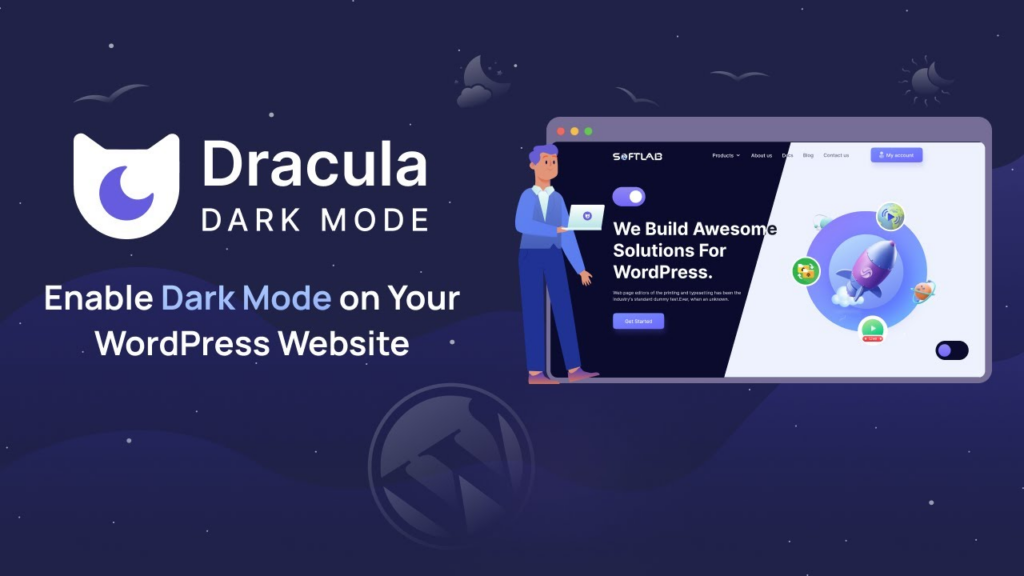
Are you tired of staring at a bright white screen for long periods while browsing your WordPress site? For many users, especially those browsing at night, bright interfaces can quickly become uncomfortable and distracting. This is where Dracula Dark Mode offers a refined and user-focused solution.
Dracula Dark Mode enables a fully customizable dark interface with real-time preview functionality. This allows you to instantly visualize how your website will look in dark mode before applying changes. The ability to preview changes in real time significantly reduces design errors and ensures consistency.
From ultraDevs’ experience, this plugin stands out due to its advanced customization options combined with a user-friendly interface. It allows you to enable dark mode selectively on specific pages, making it highly flexible for different content types.
Additionally, the plugin supports admin dashboard dark mode, which enhances the editing experience for content creators working long hours.
Features:
- AI-powered color generator
- Reading mode optimization
- Frontend dark mode
- Admin dashboard dark mode
- OS-based automatic switching
- Default dark mode setting
- Floating toggle button
- Gutenberg and Classic Editor compatibility
- Dynamic and preset color schemes
- Image and video replacement
- Typography optimization
- Real-time preview
- Page-wise control
- 14+ toggle styles
- Custom toggle builder
Pricing: Free version available. Premium starts from $14.99
2. WP Dark Mode
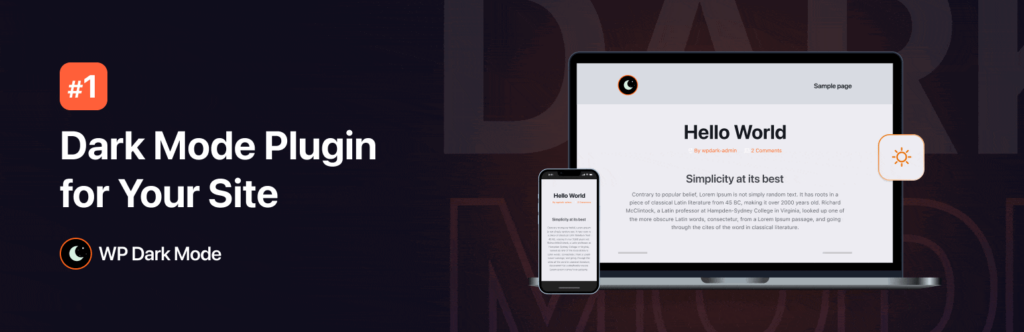
WP Dark Mode is one of the most widely used dark mode plugins in the WordPress ecosystem. It provides a stable and reliable implementation suitable for a wide range of websites.
The plugin automatically detects the user’s system preferences and switches to dark mode accordingly. This ensures a seamless experience without requiring manual interaction.
ultraDevs frequently recommends WP Dark Mode for clients who need a dependable solution with minimal configuration. It integrates smoothly with popular builders like Elementor and Gutenberg, reducing the risk of layout inconsistencies.
Features:
- OS-based automatic detection
- Frontend toggle switch
- Admin dashboard dark mode
- Elementor and Gutenberg compatibility
- Schedule-based activation
- Analytics and usage tracking
- Custom styling options
Pricing: Free and premium versions available
3. Darklup
Darklup is a powerful plugin specifically optimized for Elementor-based websites. It uses intelligent algorithms to apply dark mode without breaking design structures.
The plugin includes multiple color presets and supports WooCommerce, making it suitable for online stores and dynamic websites.
From ultraDevs’ implementation experience, Darklup performs exceptionally well on complex layouts where maintaining design integrity is critical.
Features:
- AI-powered dark mode
- Multiple presets
- WooCommerce support
- Time-based scheduling
- Elementor integration
- Advanced customization
Pricing: Free and premium versions available
4. Darkify Dark Mode
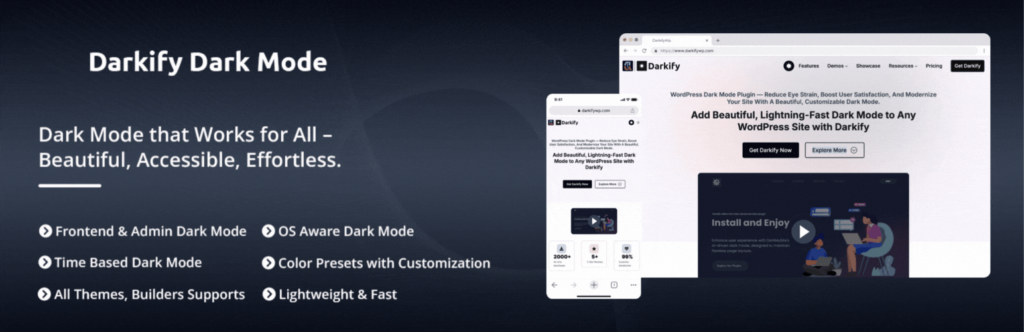
Darkify offers extensive customization capabilities while maintaining strong performance. It allows developers to control every aspect of the dark mode experience.
This plugin is ideal for advanced users who need granular control without modifying core theme files.
ultraDevs recommends Darkify for projects that require both flexibility and performance optimization.
Features:
- Frontend and admin support
- OS-based switching
- Time scheduling
- Image brightness control
- Custom CSS
- Lightweight performance
Pricing: Free and premium versions available
5. DarkMySite
DarkMySite is designed for simplicity and speed. With a single click, you can convert your entire website into dark mode.
Its smart rendering system ensures that colors are adjusted automatically without manual intervention.
ultraDevs finds this plugin particularly useful for quick deployment scenarios.
Features:
- One-click activation
- Smart color adjustment
- Page exclusions
- Builder compatibility
- Fast performance
Pricing: Free and premium versions available
6. Dark Mode Toggle
Dark Mode Toggle focuses on minimalism and speed. It provides a simple toggle button without adding unnecessary complexity.
This makes it ideal for lightweight websites that prioritize performance.
ultraDevs often recommends this plugin for speed-optimized setups.
Features:
- Simple toggle
- Lightweight
- Saves preferences
- Theme compatibility
- Minimal setup
Pricing: Free
7. DarkLooks
DarkLooks is built with accessibility in mind. It allows users to adjust brightness and contrast to suit their preferences.
This makes it a strong option for inclusive design.
ultraDevs suggests DarkLooks for accessibility-focused websites.
Features:
- Brightness control
- Contrast adjustment
- Page exclusions
- Lightweight
- Multi-language support
Pricing: Free and premium versions available
8. Nocturne Dark Mode
Nocturne is tailored for Elementor users who need deeper customization capabilities.
It allows section-level control and supports image switching for better visual consistency.
ultraDevs considers this plugin ideal for complex designs.
Features:
- Elementor integration
- Section-wise control
- Image switching
- Easy setup
- No coding required
Pricing: Free
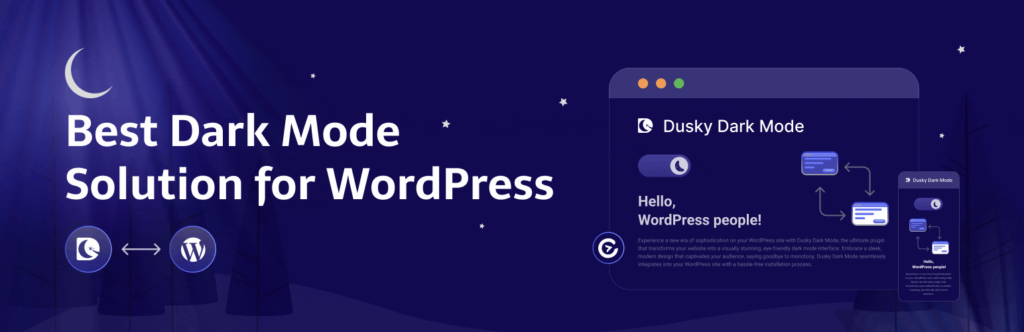
9. Dusky Dark Mode
Dusky Dark Mode is designed for visually-driven websites that require high customization.
It offers real-time preview and multiple presets, allowing designers to refine the dark mode experience.
ultraDevs recommends Dusky for blogs and creative platforms.
Features:
- Real-time preview
- Multiple presets
- UI customization
- Flexible controls
- Lightweight
Pricing: Free
Final Verdict
Selecting the right dark mode plugin depends on your website’s requirements.
Based on ultraDevs experience:
- WP Dark Mode is the most balanced solution
- Dark Mode Toggle is best for performance
- Darklup and Nocturne are ideal for Elementor
- Darkify provides the most control
Testing in a staging environment is always recommended before deployment.
Frequently Asked Questions (FAQ)
Does dark mode improve SEO?
Dark mode is not a direct ranking factor, but it improves user experience, which can positively impact engagement metrics.
Can dark mode affect performance?
Some plugins may add overhead, so choosing a lightweight solution is important.
Is dark mode necessary in 2026?
Yes, it is increasingly expected by users and improves overall usability.
Conclusion
Dark mode is no longer optional—it is an essential feature for modern websites. Implementing it correctly can enhance usability, accessibility, and engagement.
By selecting the right plugin based on your needs, you can create a better browsing experience for your users.
ultraDevs continues to provide practical, performance-driven WordPress solutions to help businesses build modern, optimized websites.
